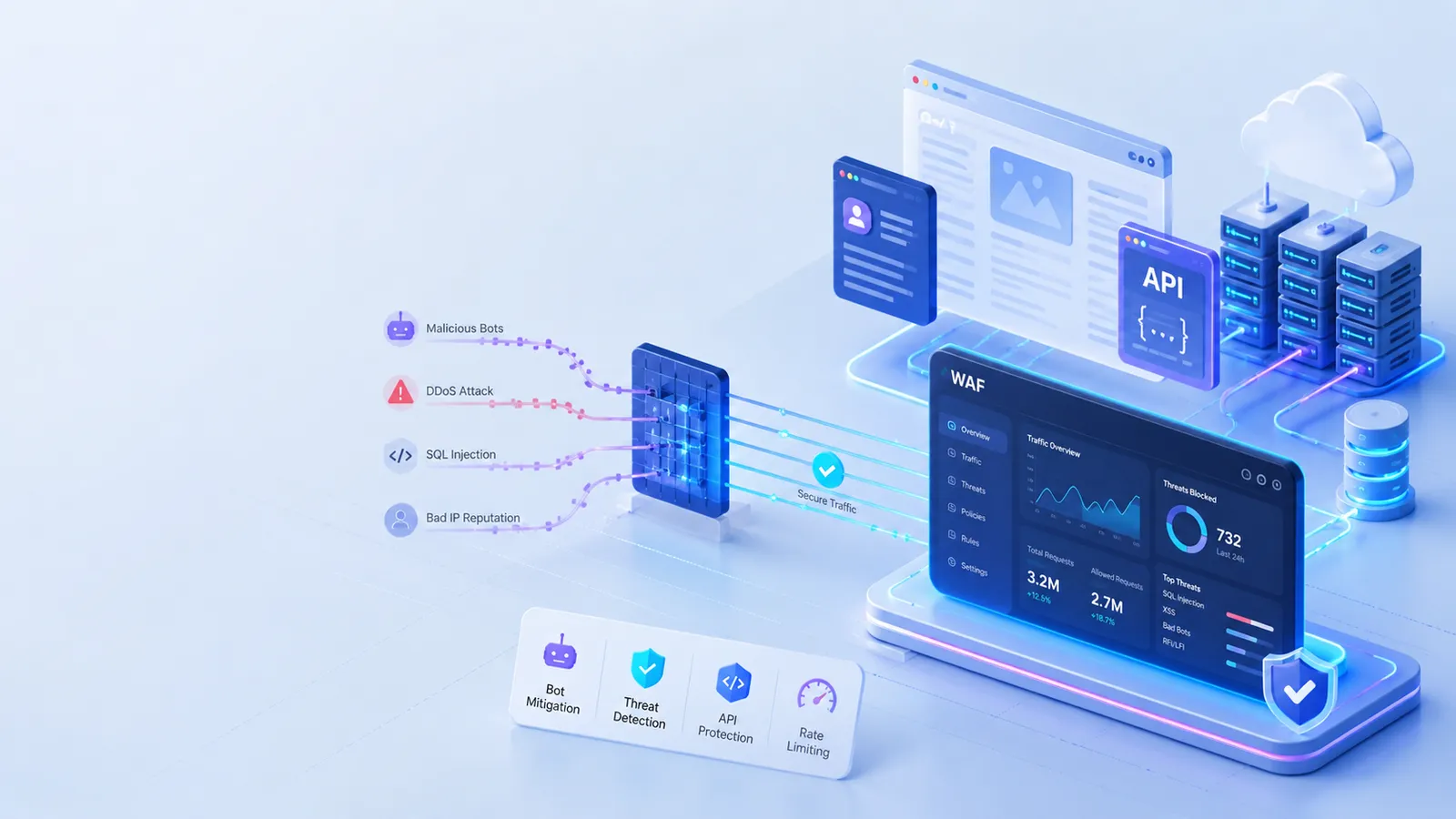
What to Do About WAF False Positives: From Request Troubleshooting to Precise Access Control, Balancing Website Protection and Normal Access
Published on 2026-11-24|By ByteShield Team
Key takeaways
- When a WAF judges a legitimate request to be an attack and blocks it, that may be a false positive. But the fact that your business needs to accept certain content does not mean the application can trust it blindly.
- The WAF, CC protection, Bot management, access permissions, and the application itself can all affect request handling. Find the mechanism that actually blocked the request before you change anything, so you don't tune unrelated settings.
- Turn user reports into a reproducible request scenario, and reproduce it with an authorized test account and synthetic data.
- Tune policies precisely by business entry point and request characteristics. Request headers or source IPs are useful clues, but should not on their own be treated as proof of a trusted identity.
- After a change, verify both the business outcome and the protection, and keep application-side safeguards such as input validation and permission checks in place.
After you enable a WAF, most users browse your site without trouble, but every so often support hears that a form won't submit, a login flow breaks partway through, or a partner system's API requests are failing. These issues can affect orders, member sign-ups, and system integrations, and they leave you with a hard question: how should the protection policy be adjusted?
Handling this starts with confirming where the request is being restricted, then scoping any change to your actual business needs. Through request troubleshooting, precise access control, and verification after each change, you can steadily reduce the impact on normal operations while keeping the protection you need.
What is a WAF false positive, and why do normal requests get blocked?
A WAF (Web Application Firewall) inspects HTTP requests to identify suspicious content such as SQL Injection and cross-site scripting (XSS). When a legitimate request is judged to be an attack and blocked, that may be a false positive.
What counts as acceptable input varies widely from site to site. A technical support form, for example, may need to accept code, database queries, or error messages. That content serves a real business purpose, yet it can contain fragments that look like attack signatures. Blocks you have never seen before can also appear after a site redesign, a new form field, or a change in data format.
To decide whether something is really a false positive, the application owner should confirm that the action and the input are genuinely legitimate, and check whether the backend handles that data properly. The fact that your business needs to accept certain content does not mean the application can trust it blindly.
When a normal action fails, first find which layer is responsible
The error screen a user sees is rarely enough to pinpoint the cause. Besides the WAF, CC protection, Bot management, access permissions, and the application itself can all affect how a request is handled. If a particular form submission fails, check the WAF's decision and the backend's input validation. If users are restricted only after repeated actions, look at rate-related policies. If a partner system can't complete its requests, Bot classification, verification mechanisms, or API permissions may be involved.
Even an HTTP 403 needs to be checked against security events and origin logs to confirm which layer produced the response. If the request was blocked before it reached the origin, investigate the edge protection policies. If the origin received the request and returned the error, look further into the application, permissions, or service status.
Identify the mechanism that actually blocked the request first, so you don't end up changing unrelated settings.
Reproduce the problem: turn "a customer got blocked" into a testable request scenario
Effective troubleshooting means turning a user's description into a process you can reproduce. Gather the following:
- When it happened, including the time zone, and the affected URLs.
- The steps taken, the expected result, and the actual error.
- Whether the problem only occurs with certain input, devices, or networks.
- Any available request identifiers, status codes, and related logs.
- De-identified sample requests.
When collecting this data, remove passwords, access credentials, payment details, and any personal information you don't need.
Once the scenario is clear, reproduce the problem with an authorized test account and synthetic data, keeping the original request method, data format, and key input characteristics. If the problem occurs on a form for submitting technical descriptions, for instance, keep the structure of the content that triggered the block, then test with plain text, different lengths, and the supported languages to pin down the scope.
Tune policies precisely by business entry point and request characteristics
Login pages, content submission forms, and partner APIs each have different access needs. Start by identifying the affected business entry point, then evaluate the right match conditions and actions.
ByteShield's precise access control supports conditions such as URL, HTTP request method, request headers, URL and POST request parameters, IP, and region, with actions including block, ban, allow, human verification, and allowlisting, so you can plan access policies around your business needs.
For content submission, first confirm the affected path, submission method, and input characteristics, then evaluate which adjustments are feasible. For a partner API, confirm the service's identity, how it makes calls, and its permitted scope of use. Request headers or source IPs are useful clues, but should not on their own be treated as proof of a trusted identity.
Before you set up an allow or allowlist rule, also confirm which checks it will affect and how it interacts with your other policies. Parameter matching in access control and exclusions for individual WAF detection rules operate at different levels, so the right adjustment depends on the features that apply and how the policies are processed.
CC and Bot policies also need to fit normal business flows
If the problem comes from rate limiting or a verification mechanism, fix it in that layer's policy. Many users may share a corporate network egress, for example, so the request volume from a single IP doesn't necessarily reflect a single user's behavior. Legitimate monitoring tools and partner systems may also need to be identified separately because they access your site in an automated way.
ByteShield's CC protection offers rate limiting, behavioral verification, JS-based handling, and other options. Bot behavior management supports identifying friendly and malicious bots, traffic analysis, and management actions such as observe, block, and human verification.
Evaluate these policies against your real traffic patterns and business needs. For APIs and other non-browser clients in particular, confirm that the verification method is compatible with how they work, so legitimate systems aren't cut off because they can't complete an interactive challenge.
After a change, verify both the business outcome and the protection
After changing a policy, first confirm that the full business flow has recovered. When a form returns a success message, was the data actually saved? When the checkout page lets users continue, was the order actually created? When the API returns a normal status code, did the expected operation complete?
Next, in an authorized test environment, check the relevant attack scenarios and the boundaries of the change. For example, after adjusting a policy for one business entry point, are other paths, request methods, and requests that don't match the conditions still handled as expected?
Tuning the WAF and access policies doesn't replace application-side safeguards, including input validation, permission checks, and proper database access. If troubleshooting uncovers a vulnerability in the application, it still needs to be patched.
Keep optimizing your protection to balance security and business needs
After a site redesign, an API update, or a change to a partner service, review your protection policies again, and measure the effect of your adjustments using normal transaction completion, support reports, and security events together. ByteShield Web Security Acceleration combines WAF, CC protection, Bot behavior management, and precise access control to help businesses plan security policies around their needs.
When normal operations are affected, tracing where the block came from, making targeted policy adjustments, and verifying the results lets you protect your site without getting in the way of legitimate access.
To learn more about the role a WAF plays in protecting a business, see "Why Modern Businesses Need a WAF". If an application vulnerability can't be patched right away, see how a WAF can reduce risk while you wait to patch.
FAQ
What is a WAF false positive?
A WAF (Web Application Firewall) inspects HTTP requests to identify suspicious content such as SQL Injection and cross-site scripting (XSS). When a legitimate request is judged to be an attack and blocked, that may be a false positive. For example, a technical support form may need to accept code or error messages, and that content can contain fragments that resemble attack signatures.
When a normal action fails, is the WAF always to blame?
Not necessarily. Besides the WAF, CC protection, Bot management, access permissions, and the application itself can all affect how a request is handled. Even with an HTTP 403, compare security events with origin logs: if the request was blocked before reaching the origin, investigate the edge protection policies; if the origin received it and returned the error, check the application, permissions, or service status.
What conditions and actions does ByteShield's precise access control support?
ByteShield's precise access control supports conditions such as URL, HTTP request method, request headers, URL and POST request parameters, IP, and region, with actions including block, ban, allow, human verification, and allowlisting, so you can plan access policies around your business needs.
How should you verify a policy change?
First confirm the full business flow has recovered: whether form data was actually saved, whether the order was created, and whether the API completed the expected operation. Then, in an authorized test environment, check the relevant attack scenarios and the boundaries of the change, confirming that other paths, request methods, and non-matching requests are still handled as expected.
If your website is running into blocked form submissions, logins, or API access, explore ByteShield's Web Security Acceleration service, or contact ByteShield and a specialist will help clarify your needs and assess the right protection setup.